Visionaire Studio
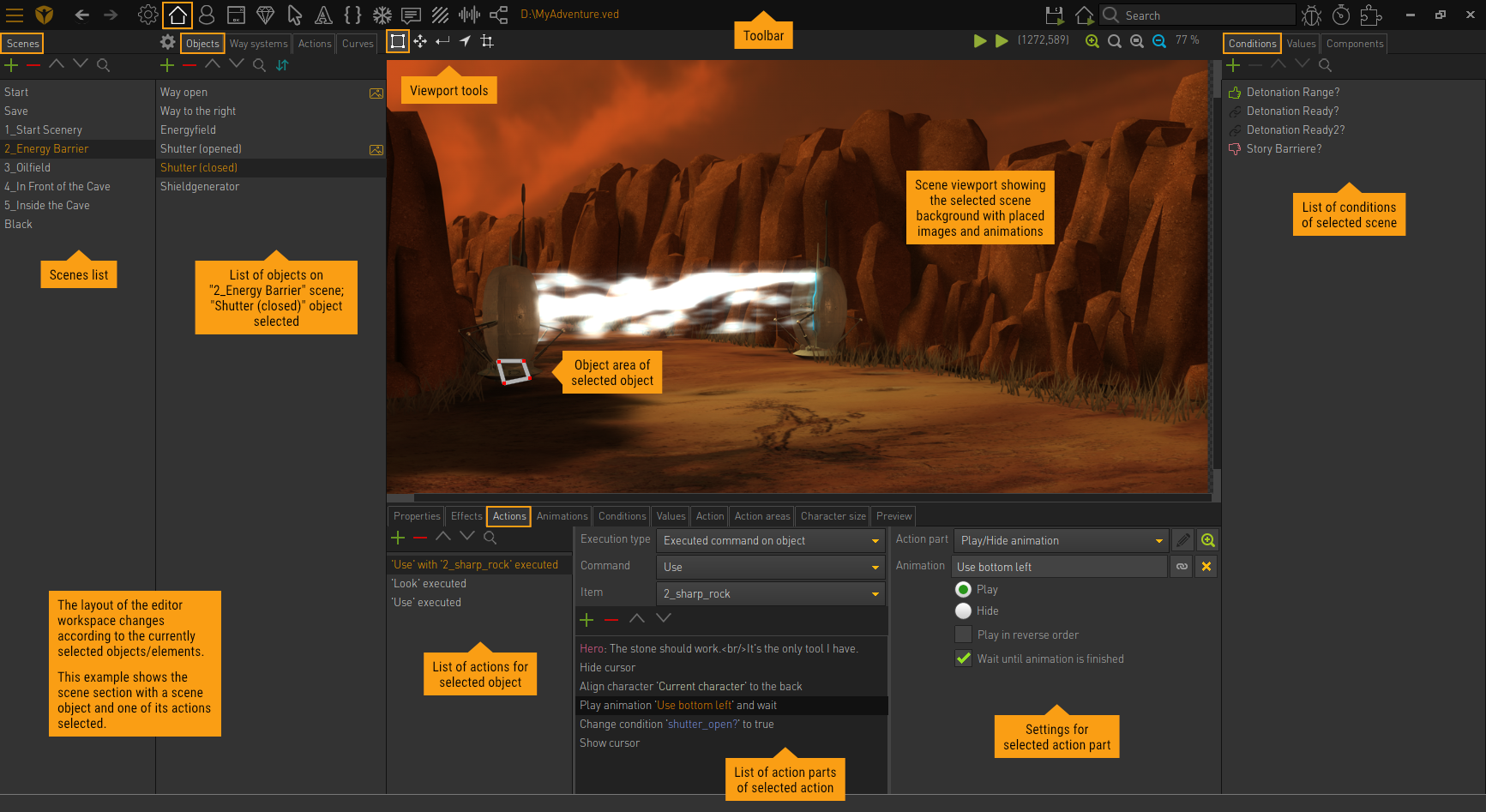
Visionaire Studio is a tool to create Point & Click Adventures.
Games made with Visionaire Studio
How it works
Usual workflow:
- Create a Scene
- Create Objects
- Define a Font
- Create a Player Character
- Define Cursors
- Create Interfaces (e.g., walk, look, use commands)
- Define Game Properties
- Add Interactions
You create a scene by selecting a background image and adding interaction areas (objects) and walkable zones for the player. Menues are created similarly to scenes. The character graphics (front, back, left, right, etc) can be imported and combined to create animations.